Crossfire
Dev build v0.1.0-dev.50 is out

Build 2D games.All in Odin.

Crossfire is a 2D game engine and a full editor for it, written entirely in Odin: the engine, the editor, its code editor, and your game's scripts. Fast to start, simple to read, nothing hidden.

Linux, Windows and macOS. Free and open source, MIT licensed.

100%Odin: engine, editor, scripts
4Export targets: Linux, Windows, macOS, web
1 fileDesktop games ship as one executable
MITOpen source, yours to change
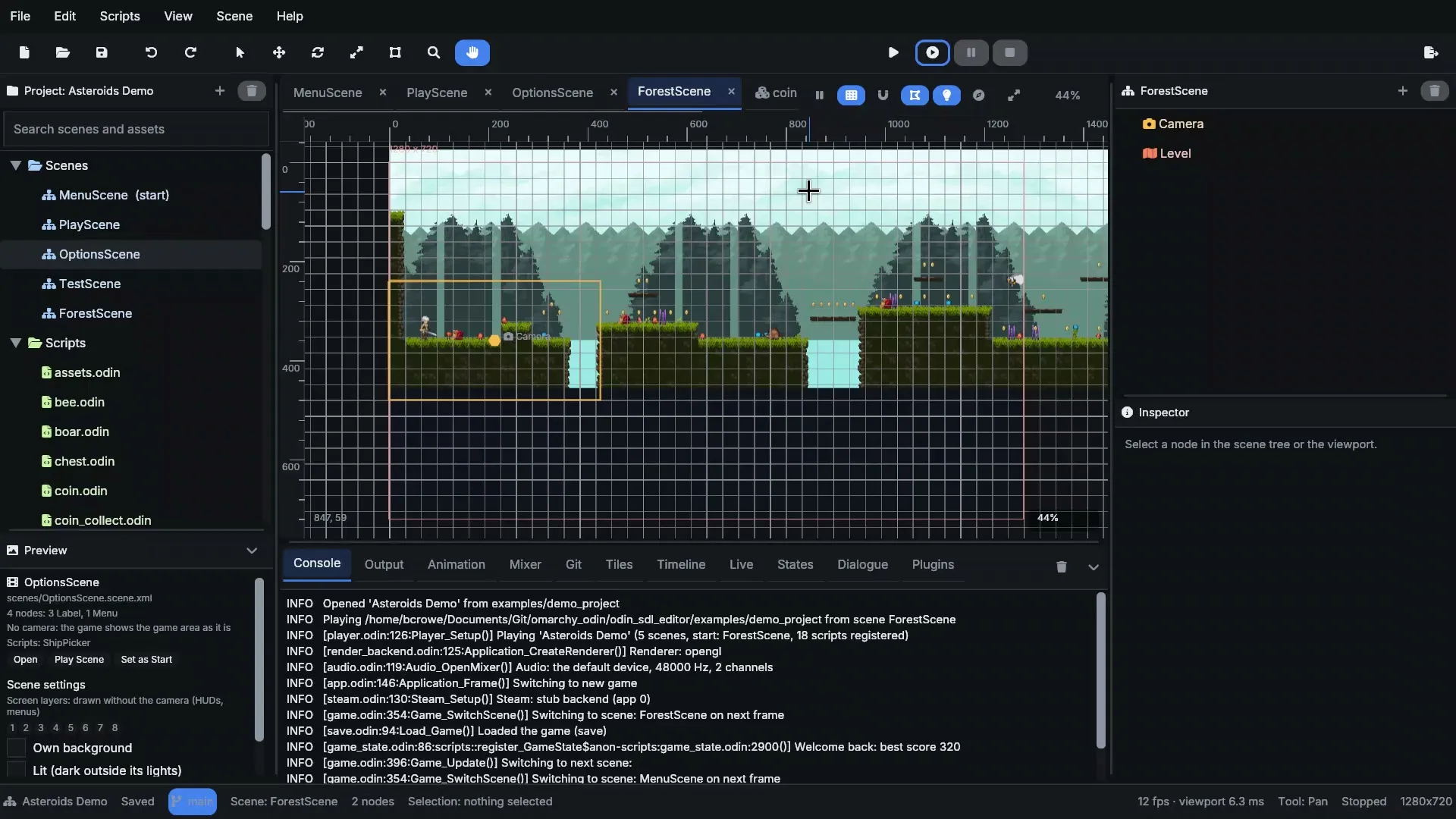
The editor showing a forest platformer level in the viewport

01 · Scene editor

Build scenes like you mean it

A viewport that renders your scene with the engine itself, so what you place is what the game draws. Nodes in a tree, components you reuse anywhere, undo for every edit.

  • Move, rotate, scale and transform tools with snapping, guides and align
  • Right-click menus on everything, multi-select, drag to reparent
  • Components (prefabs), scene settings, screen layers for HUDs
  • LDtk levels and Aseprite files straight in, reloaded when you save
Read: Scenes and nodes →
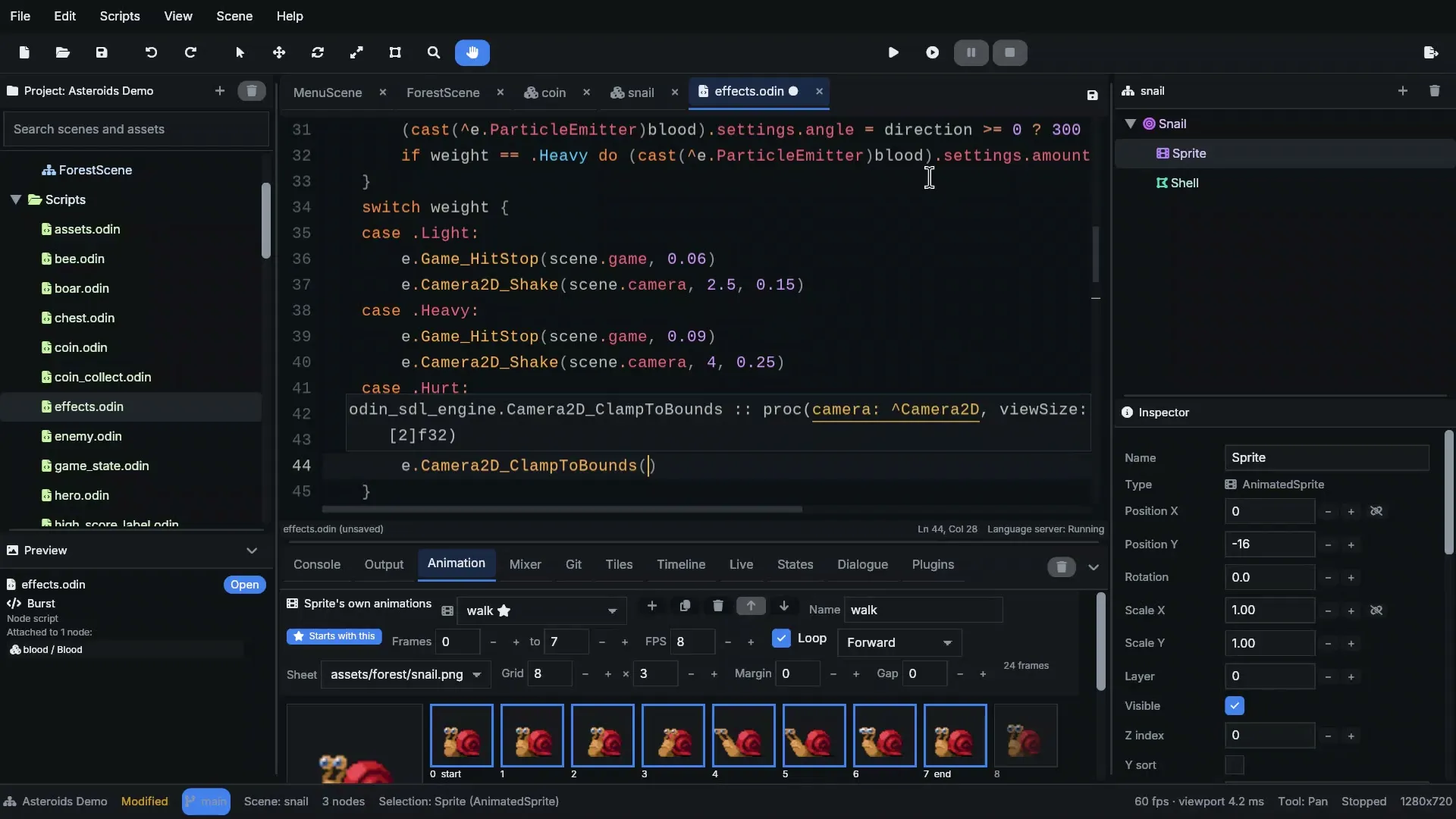
The built-in code editor completing an engine procedure

02 · Scripting

Game code in Odin. With a real editor.

Scripts are Odin: fast, simple, compiled. Attach several to a node, set their fields in the inspector, and write them in the built-in code editor with completion, signatures and errors from the Odin language server.

  • Exported fields become inspector controls: numbers, colors, assets, node links
  • Events and listeners wired from the inspector
  • Hot reload: save while the game plays, keep its state
  • Plugins: extend the editor itself in Odin
Read: Scripts →
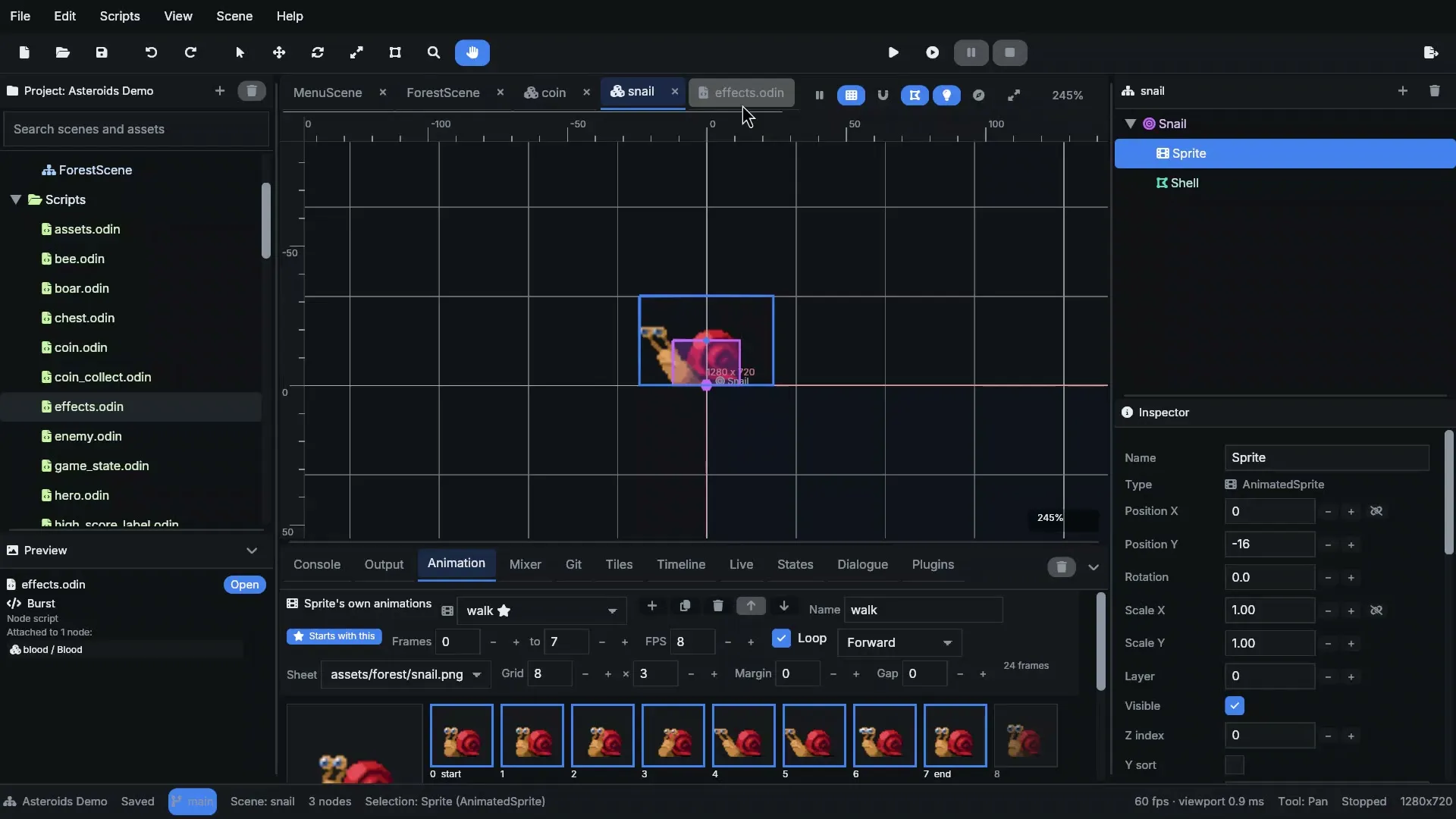
The animation panel editing a snail sprite's walk cycle

03 · Animation

Make it move

Sprite sheets and Aseprite tags, a timeline that keys any property of any node, state machines that drive animations from parameters your scripts set, and bones for skeletal characters.

  • Animation panel: frames, timing, play modes
  • Timeline: clips, curves, events that call your code
  • State machines with any-state transitions
  • Skeletons, skinned meshes, IK, DragonBones import
Read: Animation →
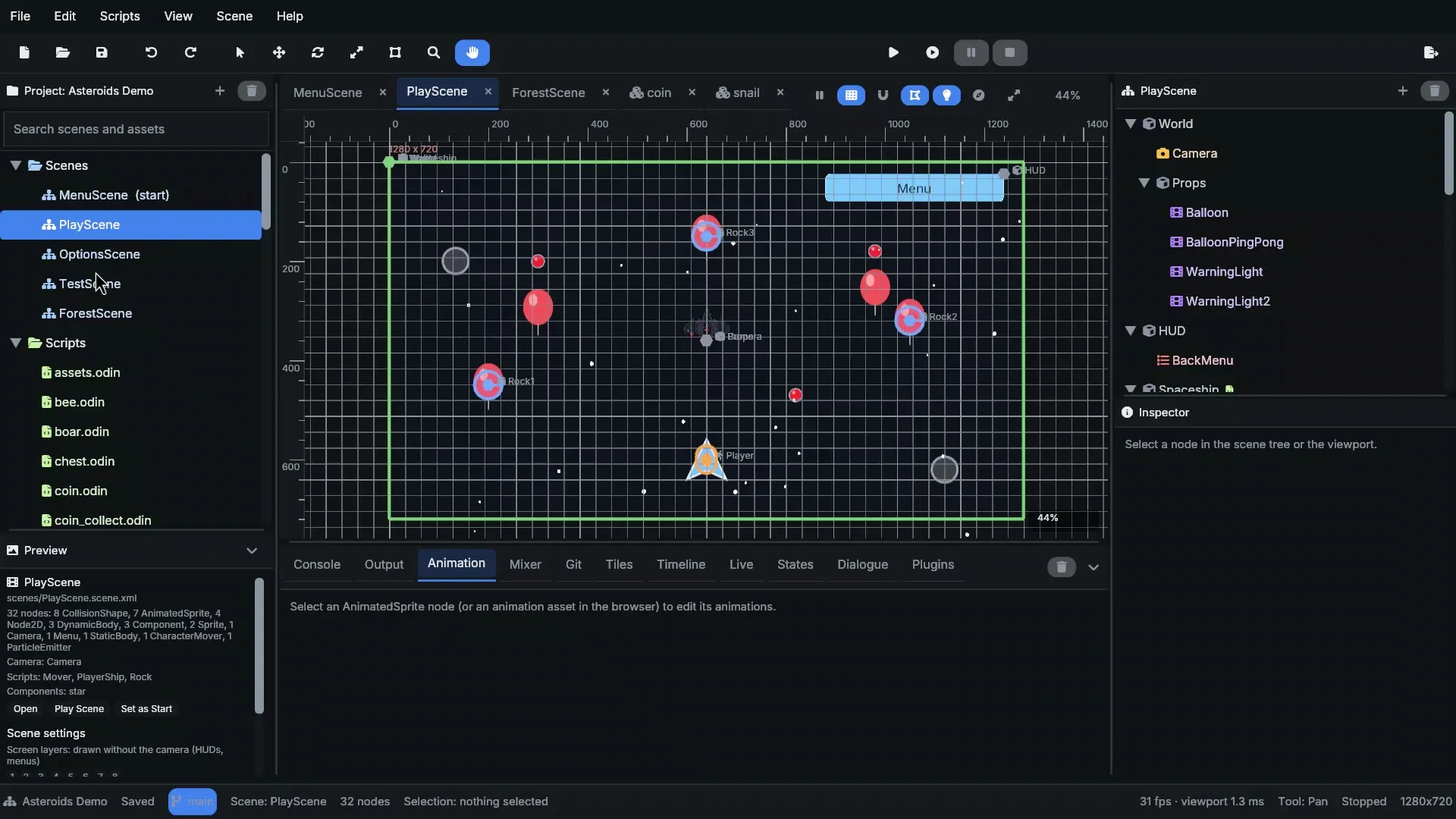
A space shooter scene with physics bodies and sprites

04 · Gameplay

Physics, light and particles

Box2D physics with a character mover built for platformers, collision shapes traced from your sprites, 2D lights with shadows, and particles on the CPU or tens of thousands on the GPU.

  • Bodies, areas, ray casts, joints, one-way platforms
  • Pathfinding agents that walk around each other
  • Point and spot lights, occluders, ambient light
  • Particles, lines, trails, shaders and screen effects
Read: Physics →
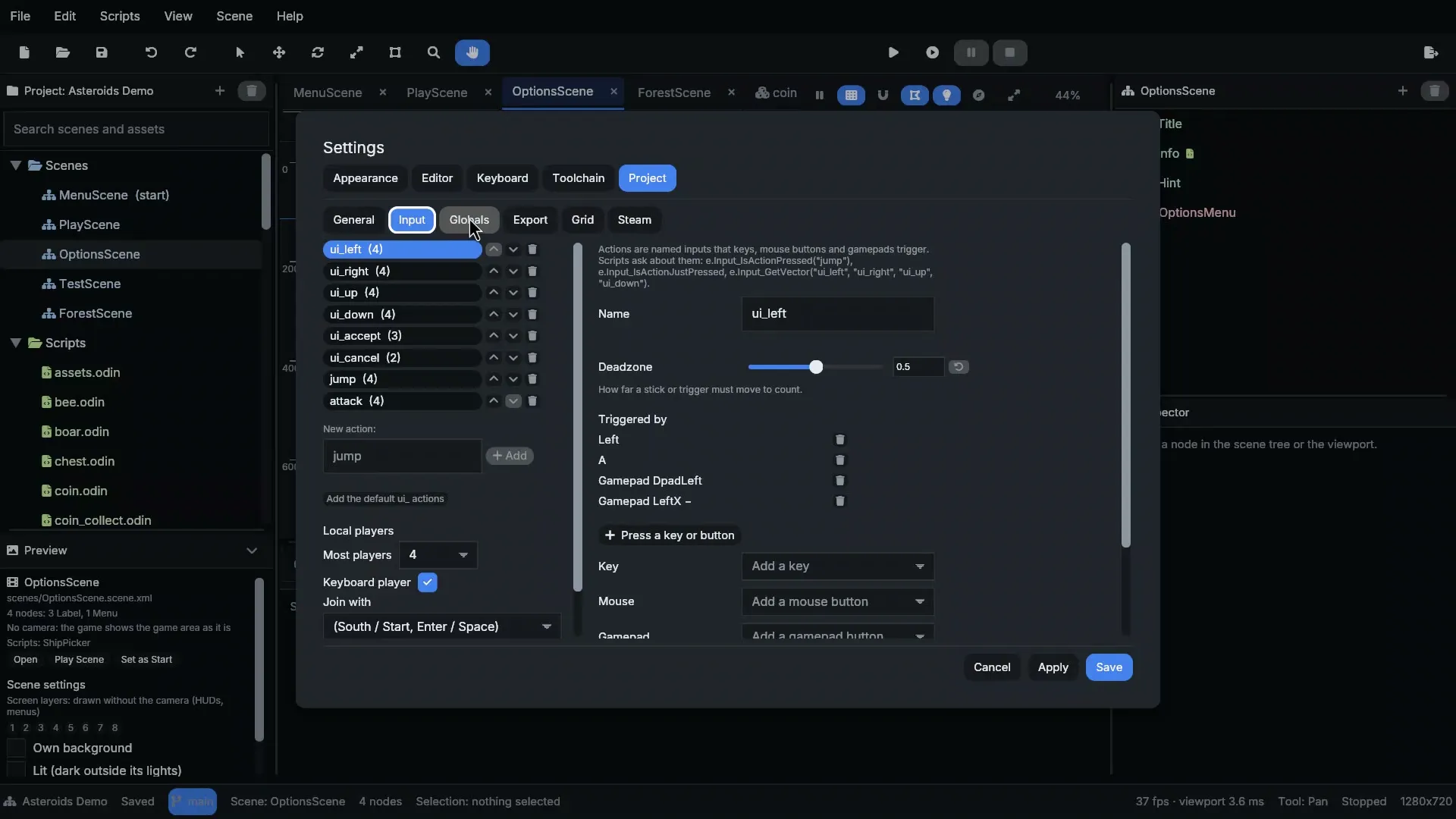
Project Settings listing input actions and their bindings

05 · Input

Every player, every device

Name your controls once as input actions and bind them to keys, mouse, gamepads and touch. Local multiplayer gives each player their own device; players can rebind in your game.

  • Actions with deadzones, axes and vectors
  • Local multiplayer with joining and split screen
  • On-screen joysticks and buttons for touch
  • Rebinding saved with the player's progress
Read: Input →
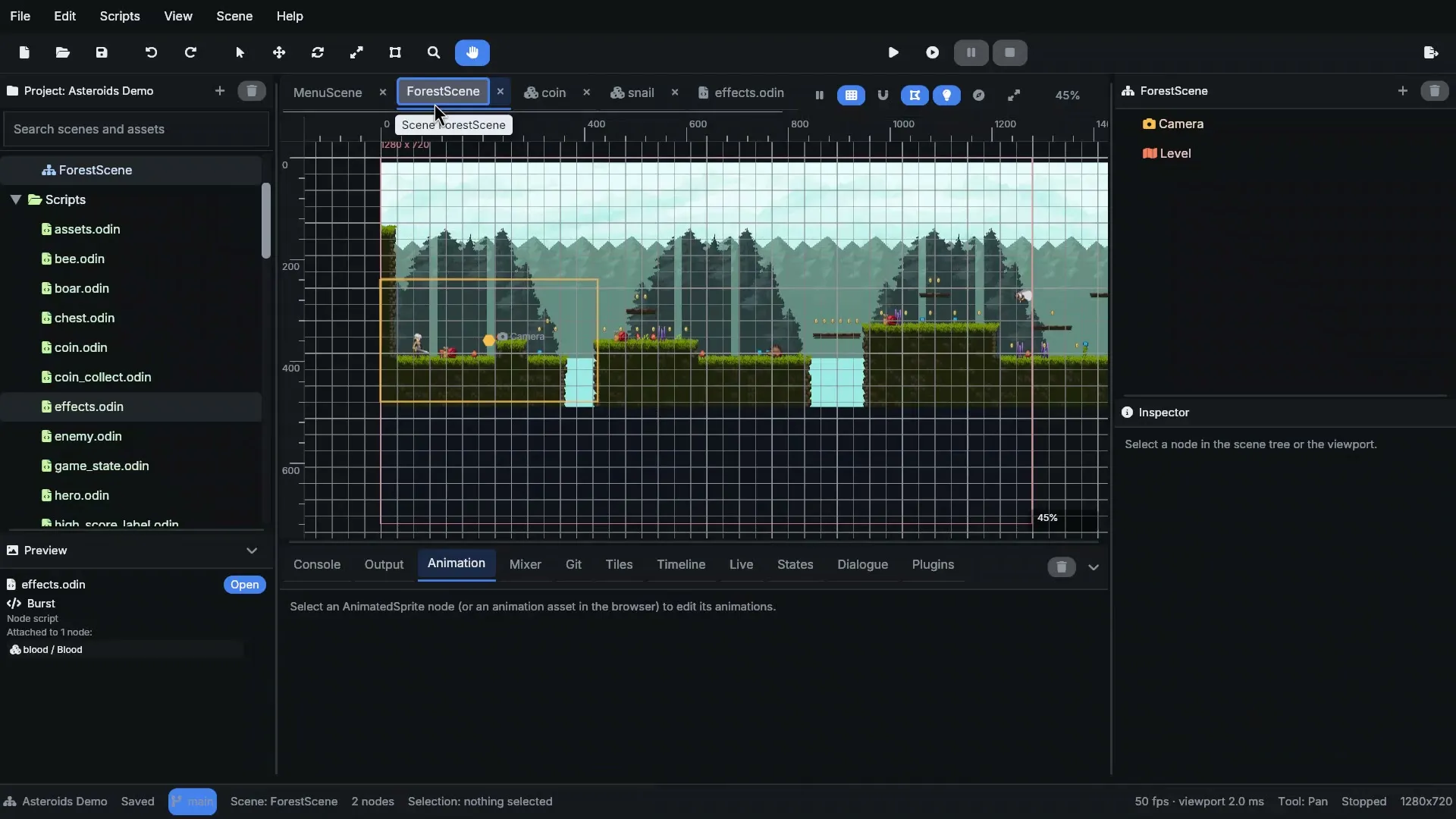
The editor's console after pressing Play

06 · Ship it

Play, inspect, export

Press Play and the game runs in its own process. Watch it live from the editor, pause it, step a frame, change values while it runs. Then export one file for Linux, Windows, macOS or a page for the web.

  • Live view: the running scene's nodes and frame times
  • Single-file desktop exports, web exports through Emscripten
  • Prebuilt players: no compiler needed for scriptless games
  • Git built in, project archives, translations
Read: Exporting →

Real code

This is a whole script

A coin from the demo platformer. It bobs, it notices the player, it adds to the score in a global and plays a sound. The value field shows up in the inspector. No boilerplate, no build files: save it and press Play.

More examples →
scripts/coin.odinOdin
package scripts

import "core:math"
import e "engine:."
import sdl "vendor:sdl3"

// A coin: an Area with a sprite. Touch it to collect it.
Coin :: struct {
	using script: e.Script,
	// Set per coin in the inspector (or from an LDtk field)
	value: int `export:"default=1 min=1"`,
	sprite: ^e.Node,
	time: f32,
	taken: bool,
}

@(init)
register_Coin :: proc "contextless" () {
	e.Script_Register(Coin, {
		ready = proc(self: ^Coin) {
			self.sprite = e.Node_FindChild(self.node, "Sprite")
			self.time = self.node.position.x * 0.05
		},
		update = proc(self: ^Coin, _: []sdl.Event, deltaTime: f64) {
			self.time += f32(deltaTime)
			if self.sprite != nil do self.sprite.position.y = math.sin(self.time * 4) * 1.5
		},
		collisionEnter = proc(self: ^Coin, hit: ^e.Collision) {
			if self.taken || !e.Node_Is(hit.other, e.CharacterMover) do return
			self.taken = true
			if state := e.Global(GameState); state != nil do state.coins += self.value
			e.Game_PlaySound(self.game, SOUND_COIN)
			e.Scene_RemoveNode(self.scene, self.node.id)
		},
	})
}

Start now

Your first game is ten minutes away

Download the editor, open the demo, and change something. Then make your own.